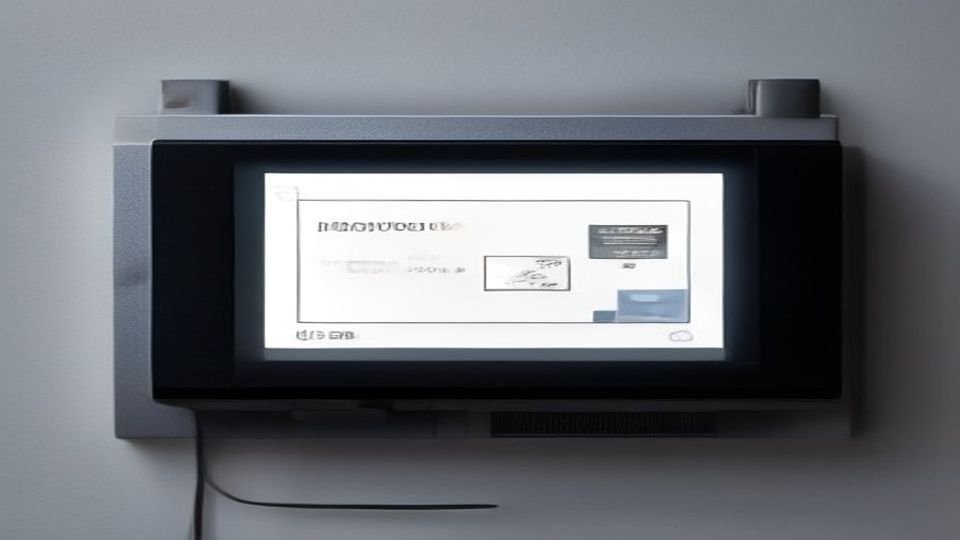
After acquiring an Xteink X3 e-ink display, developer Nishant Josh found the existing upload method tedious and conceived a solution: make the device function as a network printer compatible with standard operating systems.
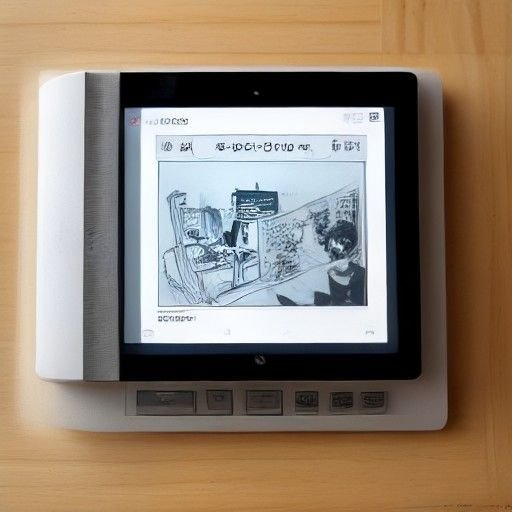
To achieve this, Josh implemented the Internet Printing Protocol (IPP), which allows computers to discover printers, query capabilities, and submit print jobs over HTTP. According to Josh’s account, the protocol enables operations like Get-Printer-Attributes (to query device capabilities) and Print-Job (to submit work). Josh configured the device, which he named “penguin,” to advertise monochrome output at 300 dpi, accepting Apple raster and PWG raster formats, with support for A5 and Letter paper sizes.
Discovery on macOS required using Bonjour to announce an _ipp._tcp service, including the addition of the _universal subtype for driverless discovery. Josh noted that this required calling ESP-IDF’s mDNS API directly, as the Arduino wrapper did not expose the necessary functionality.
The primary technical challenge was memory constraints. A Letter page at 300 dpi requires approximately 8.4 MB uncompressed (2,550 × 3,300 pixels at one byte per pixel). The X3 has only 400 KB of RAM, with 16 KB reserved for cache. After allocating space for Wi-Fi and the printer server, Josh had approximately 6.8 KB of heap remaining.
Rather than storing the entire incoming page in memory, Josh designed a streaming pipeline that processes the image as it arrives. The decoder works row by row, passing finished rows directly to the display’s screen buffer, which serves dual purpose as both storage and output. Each row undergoes scaling and dithering to convert to black and white before display. Josh initially showed the page appearing in bands like paper feeding through a physical printer, but switched to displaying the complete page at once after each refresh took roughly half a second.
This approach reduced image-buffer RAM usage from approximately 113 KB to 62 KB, freeing space for network socket buffers. Josh tested the implementation by printing a manga image from macOS Preview; the page appeared on the e-ink display in approximately one second. Completed printouts are saved as BMP files on the device’s SD card, which functions as an output tray accessible through the device’s file browser.
The printer server runs directly on the Xteink, which can either join a Wi-Fi network or create its own hotspot. Josh published the implementation in his CrossPoint fork on GitHub.
Key facts
- Developer implemented Internet Printing Protocol (IPP) on Xteink X3 e-ink display to enable macOS printing
- Device named ‘penguin’ supports 300 dpi monochrome output, Apple and PWG raster formats, and Letter and A5 paper sizes
- Memory constraint of 400 KB RAM solved by streaming page data directly to display buffer during decoding
- Finished printouts saved to SD card as BMP files accessible through device file browser
- Printer discovery on macOS implemented using Bonjour with _ipp._tcp service advertisement