GitHub has made its redesigned dashboard experience the default view for all users, transitioning it from an optional feature preview. According to the announcement, the new dashboard is designed to help users focus on priority work and streamline navigation.
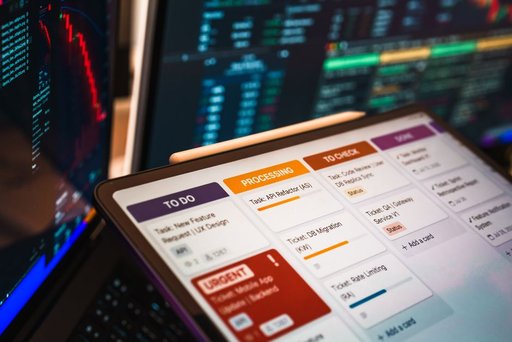
The updated interface consolidates several key elements in one location. Users can now view their active agent sessions, issues, and pull requests together on the main dashboard, with the ability to customize what appears in each section using filters. Each list can display up to 12 items, allowing users to tailor their view based on their workflow needs.
A notable change is the separation of the Feed tab from the main dashboard. According to GitHub, this keeps the feed distinct from what it describes as a “productivity-focused dashboard,” allowing users to catch up on updates separately from their active work items.
The new dashboard also integrates GitHub’s Copilot tools more directly into the workflow. Users can now start work directly from the dashboard, such as assigning an issue to Copilot’s coding agent or opening a pull request in Copilot Chat, reducing the need to navigate to other sections of the platform.
For users who prefer the previous interface, GitHub has maintained the option to switch back. Users can revert to the older dashboard experience at any time by clicking the dropdown menu next to “Preview,” ensuring that existing workflows are not permanently disrupted.
GitHub is actively seeking user feedback on the new dashboard experience and has invited users to share questions and comments in the Community discussion forum. This approach suggests the company remains open to refinements based on user input as the new dashboard becomes more widely used.
Key facts
- The new dashboard is now the default view for all GitHub users
- Users can view active agent sessions, issues, and pull requests in one consolidated view
- Each section supports customizable filters with up to 12 items per list
- A separate Feed tab keeps updates distinct from the main productivity dashboard
- Users can integrate Copilot tools directly from the dashboard, including assigning issues to the coding agent and opening pull requests in Copilot Chat
- Users can switch back to the previous dashboard experience at any time using the Preview dropdown